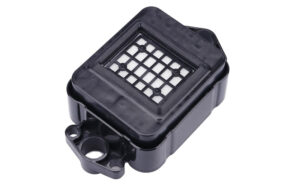
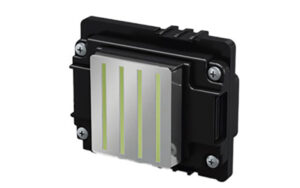
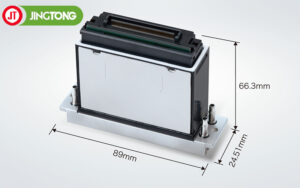
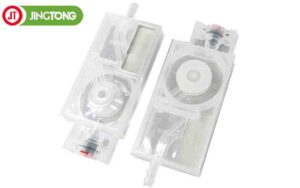
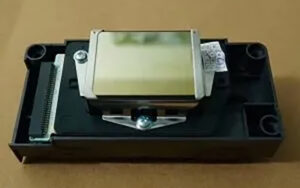
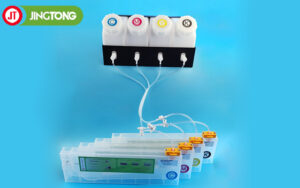
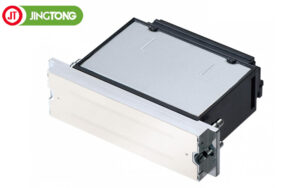
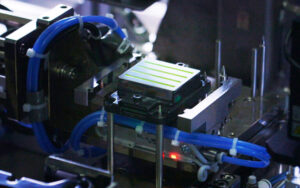
The XP600 TX800 capping top is a maintenance component used in compatible inkjet printers. The capping station provides a covered parking position for the printhead when the printer is not in use, helping limit ink drying around the nozzle surface. Choosing the correct cap top is important for maintaining a proper seal and supporting routine printhead maintenance.
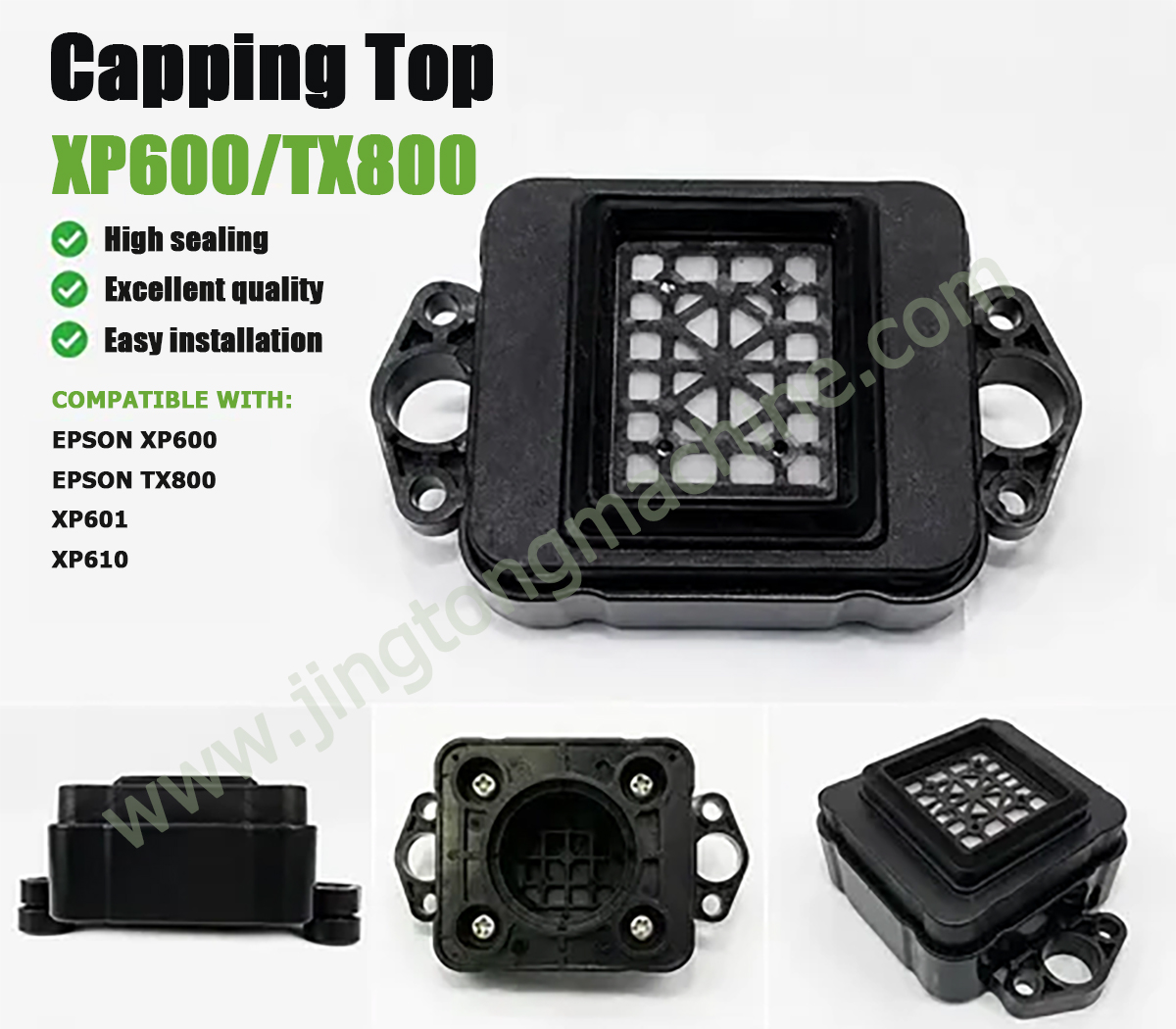
1. What Is a Printhead Capping Top?
A capping top is part of the printer’s ink maintenance system. When the printhead returns to its resting position, the cap helps cover the nozzle area. Depending on the printer design, the capping station may also work with a pump during cleaning cycles.
A worn or poorly fitted cap may affect sealing and contribute to maintenance problems. However, nozzle blockage or ink flow issues can have several causes, so the capping top should be inspected alongside other components when troubleshooting.
2. Product Features and Specifications
The referenced XP600/TX800 cap top has the following listed specifications:
● Construction: Plastic
● Condition: New
● Compatible printheads: XP600 and TX800
● Listed ink types: Eco-solvent, solvent, and water-based ink
The reference listing describes it as a compatible component for selected eco-solvent inkjet printers. Always confirm that the product’s shape and connection points match your printer before ordering.
3. How to Check Compatibility
Printhead names alone are not enough to guarantee that a cap top will fit. Printers may use different capping station assemblies, mounting structures, or pump connections even when they share a printhead family.
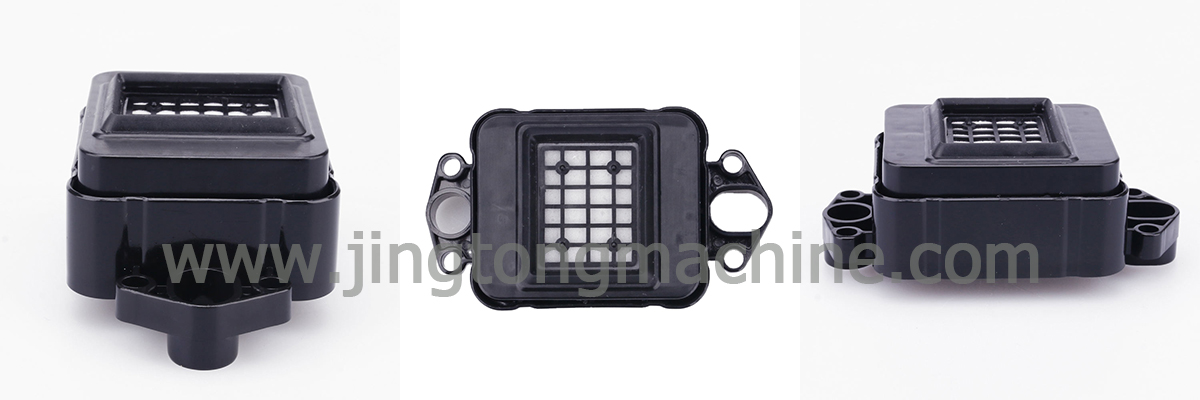
Before purchasing, check the printer model, the original cap’s dimensions, the mounting position, and the ink tube connection. Photos of the existing component can help the supplier identify a suitable replacement.
4. When Should You Inspect or Replace It?
Inspect the capping top if the printer has recurring nozzle problems, visible ink leakage around the cap, damaged sealing surfaces, or signs that the printhead is not resting correctly.
During replacement, follow the printer manufacturer’s maintenance procedure. Keep the sealing surface clean, install the component in the correct position, and check the related tubing and pump if the printer uses a pump-assisted cleaning system.
5. Tips for Ordering Replacement Parts
Provide the supplier with your printer model, printhead model, and clear photos of the original capping assembly. Confirm the ink type and physical fit before placing an order, especially if the printer has been modified.
Conclusion
The XP600 TX800 capping top is a small but important component in compatible inkjet printer maintenance. Matching the cap top to the actual printer configuration can help avoid fitment problems and support consistent maintenance.