A UV printer printhead directly affects print quality, production efficiency, and equipment compatibility. Different manufacturers design printheads for different operating conditions, so the best choice depends on the printer configuration, required output, and budget—not brand name alone.
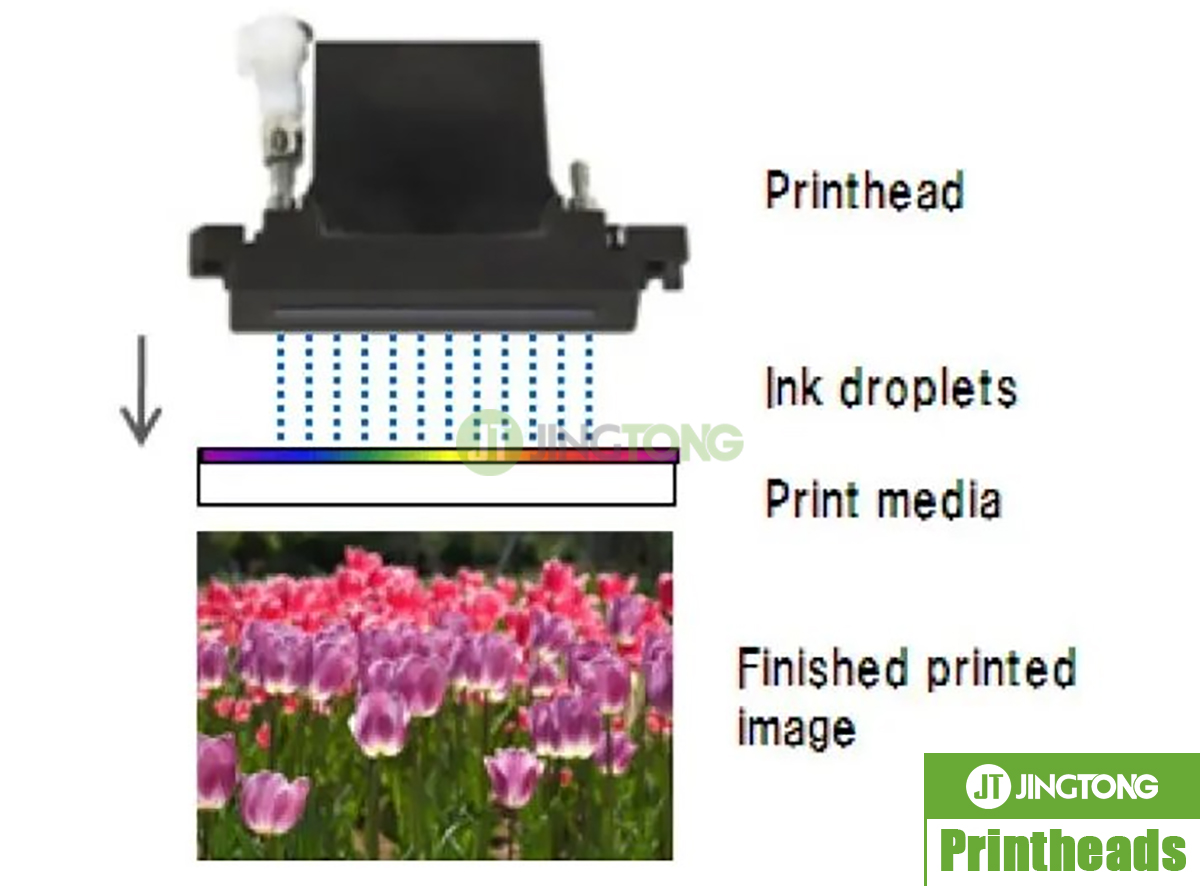
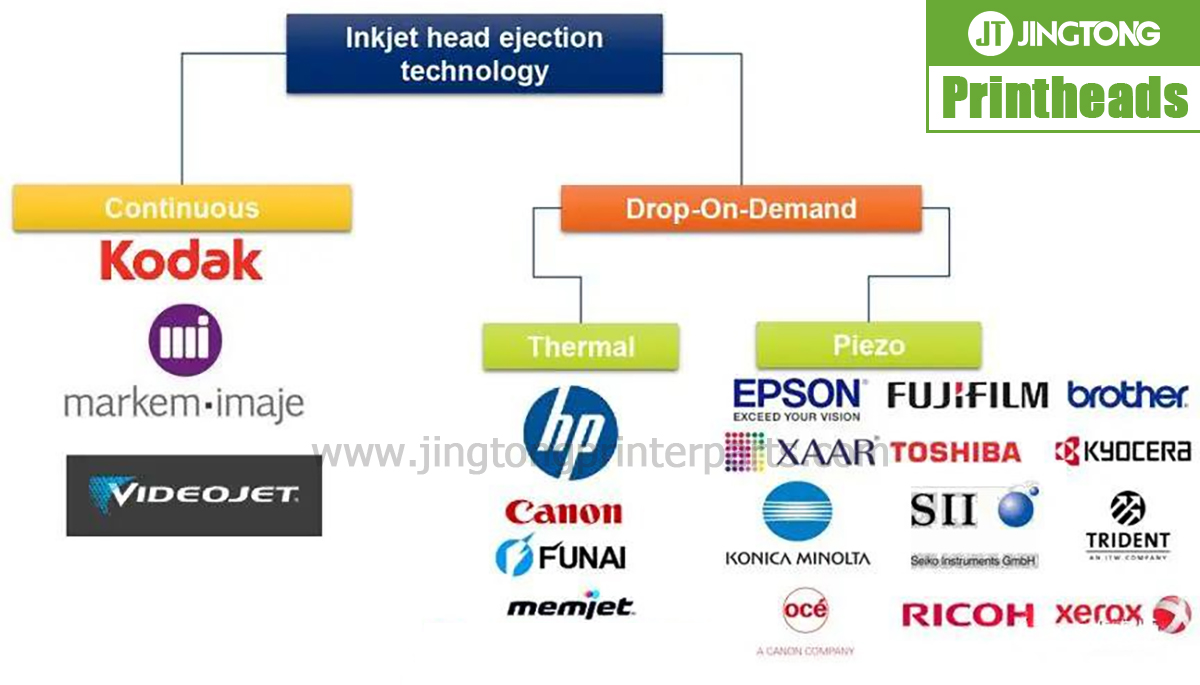
Piezoelectric inkjet technology is widely used in industrial UV printing. Electrical signals deform piezoelectric elements inside the printhead, generating pressure that ejects ink droplets through the nozzles. Differences in nozzle design, droplet control, firing frequency, and supported ink formulations influence performance.
Major UV Printhead Brands
| Printhead brand or series | Key characteristics | Typical selection considerations |
|---|---|---|
| Ricoh Gen5 / Gen6 | Industrial printing, grayscale capability, robust production configurations | Balanced quality and productivity |
| Epson I3200-U1 | High nozzle density and detailed image reproduction | Precision-oriented UV systems |
| Konica KM1024 series | Industrial configurations for production printing | Throughput and machine integration |
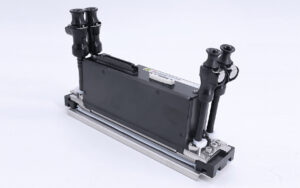
| Kyocera KJ4 series | Industrial printhead designs for high-output applications | Production requirements and ink-system compatibility |
| Seiko, Starfire and Toshiba | Models used in various industrial inkjet systems | Specific machine design and operating requirements |
These are general comparisons rather than universal performance rankings. Specifications vary by model and version, and the performance of a complete printer depends on its electronics, ink system, print mode, and mechanical design.
Print Quality vs. Production Speed
For detailed graphics, fine text, and smooth tonal transitions, buyers should consider droplet control, nozzle density, resolution, and the printer’s supported grayscale modes.
For high-volume production, firing frequency and effective print width matter, but neither guarantees a particular output speed. The number of installed heads, print mode, material handling, and software settings also influence productivity.
A high-resolution head may suit detailed customized products, while an industrial configuration designed around throughput may be more appropriate for continuous production. Compare actual sample prints and production data whenever possible.
Ink Compatibility Is Essential
Not every printhead can work with every type of ink. UV ink has different chemical and physical properties from aqueous and eco-solvent inks, so the exact printhead variant must match the intended ink system.
For example, the Epson I3200-U1 is designed for UV ink, whereas I3200-A1 and I3200-E1 are associated with different ink categories. These variants should not be treated as interchangeable.
Ricoh, Konica, Kyocera, Seiko, and other industrial printheads also require verification of the supported ink formulation and operating conditions. Using an incompatible ink may lead to unstable jetting, clogging, or premature component failure.
Check Compatibility Before Replacement
Before ordering a replacement, confirm the full printhead model, printer model, ink type, connector and cable configuration, and supported drive electronics. Similar-looking printheads may have different electrical requirements or mounting arrangements.
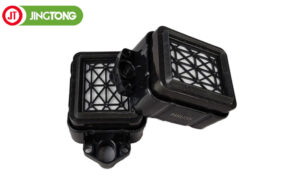
Also consider the availability of compatible dampers, filters, cables, cleaning supplies, and technical support. A suitable replacement should match the existing system rather than require unplanned modifications.
Conclusion
There is no single UV printhead that is best for every application. Ricoh, Epson, Konica, Kyocera, Seiko, Starfire, and Toshiba offer different options for industrial printing requirements.
Compare print quality, production targets, ink compatibility, system integration, and total operating cost before choosing a model. Confirming these details can reduce replacement risks and help maintain stable production.