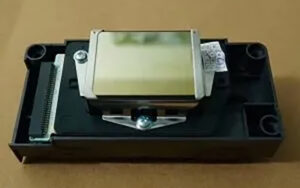
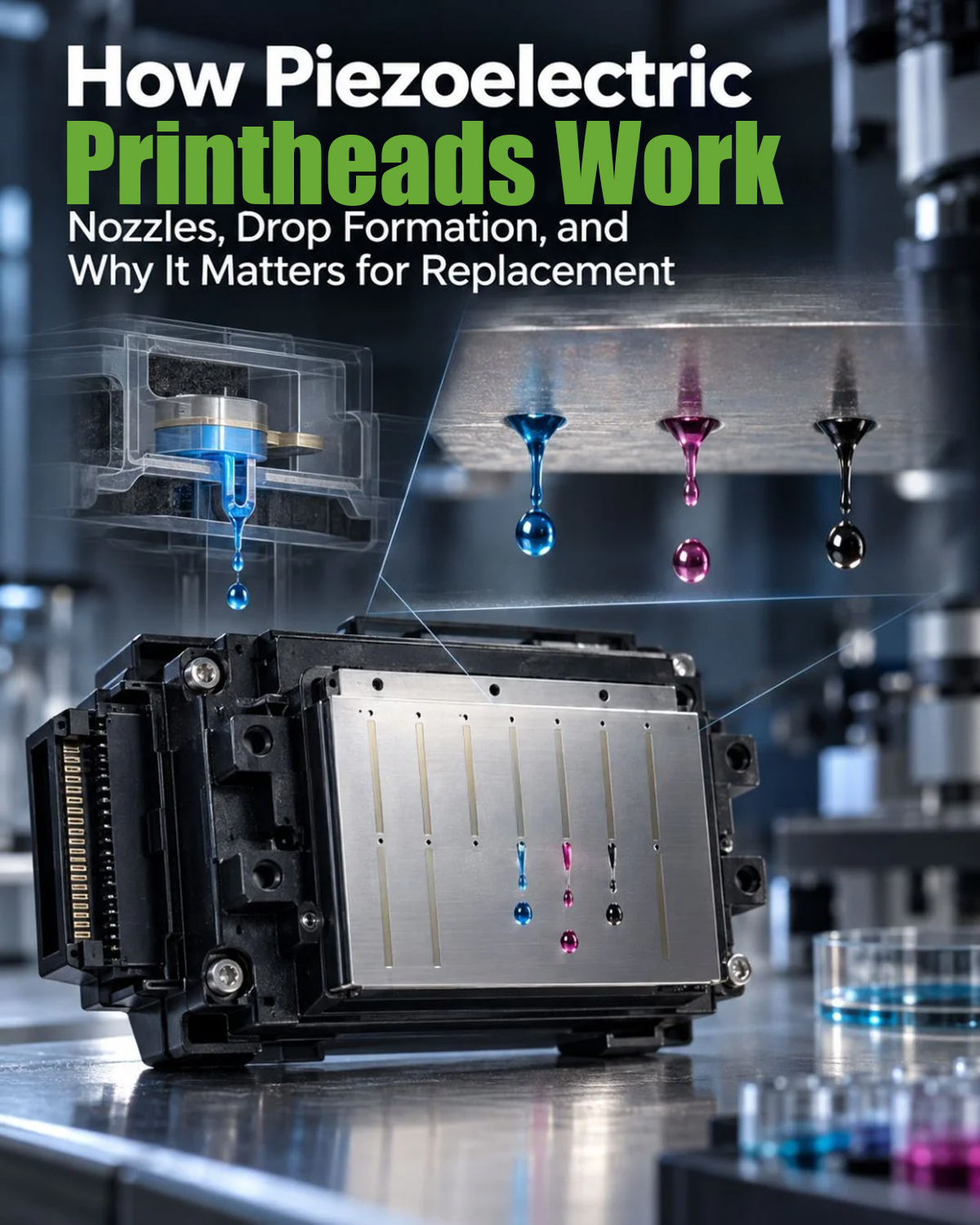
A piezoelectric printhead uses electrical signals to deform piezoelectric elements, generating pressure inside tiny ink chambers and ejecting controlled ink droplets through microscopic nozzles. Unlike thermal inkjet technology, this process does not rely on heating ink to create bubbles. It is widely used in industrial and wide-format printing applications where controlled droplet formation is important.
1. How Piezoelectric Inkjet Technology Works
The printing process begins when the printer’s control system sends an electrical waveform to the piezoelectric element inside the printhead. The element changes shape in response to the applied voltage, creating a pressure change in the ink chamber.
This pressure pushes a small ink droplet through the nozzle onto the printing material. When the element returns to its original shape, the chamber refills with ink, preparing for the next firing cycle.
This is known as drop-on-demand (DOD) printing, because ink is ejected when the control system activates the corresponding nozzle.
2. Key Components of a Piezoelectric Printhead
Several components work together to produce consistent droplets:
Piezoelectric element: Converts electrical signals into mechanical movement.
Ink chamber: Generates pressure changes that drive droplet ejection.
Nozzle plate: Contains the tiny openings through which ink droplets exit.
Ink channels and manifold: Supply ink to the individual chambers.
Drive electronics: Control firing signals and timing.
The design of these components influences droplet behavior, printing accuracy, and compatibility with different ink formulations.
3. Piezoelectric vs. Thermal Inkjet Printheads
Both technologies eject ink through microscopic nozzles, but they use different mechanisms.
| Feature | Piezoelectric | Thermal inkjet |
|---|---|---|
| Droplet generation | Mechanical deformation | Heat-generated vapor bubble |
| Ink heating during ejection | Not required | Required |
| Ink compatibility | Depends on head design and ink specifications | Depends on thermal design and ink specifications |
| Typical applications | Industrial, wide-format, UV, and other compatible inkjet systems | Desktop, office, and other thermal inkjet systems |
Piezoelectric printheads offer flexibility in ink formulation, but they are not compatible with every ink. Viscosity, surface tension, chemical compatibility, and the printhead’s internal materials must all be considered.
4. Common Piezoelectric Printhead Problems
Understanding the operating mechanism can help narrow down potential printing issues.
Missing nozzles: Dried ink, contamination, trapped air, or ink supply problems may interrupt droplet ejection.
Inconsistent droplets: Incorrect drive settings, unstable ink pressure, or unsuitable ink properties can affect droplet formation.
Electrical failure: Damaged cables, control boards, or piezoelectric elements may prevent some nozzles from firing.
Print defects after replacement: A replacement head may require alignment, bidirectional calibration, or model-specific configuration.
A nozzle check is a useful first diagnostic step, but it does not always identify the underlying cause. Electrical and ink-delivery issues may require additional inspection.
5. How to Maintain a Piezoelectric Printhead
Proper maintenance helps protect print quality and reduce avoidable downtime.
● Use ink approved for the specific printhead model.
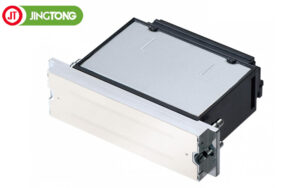
● Keep the capping station and wiper clean and in good condition.
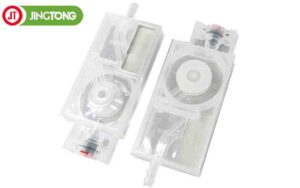
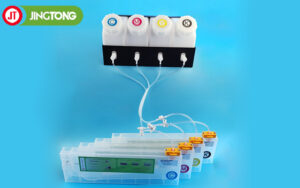
● Check dampers, ink tubes, filters, and other ink-delivery components when flow problems occur.
● Follow the manufacturer’s cleaning procedures and avoid excessive wiping or unsuitable cleaning fluids.
● Power down and handle printhead cables according to the equipment manufacturer’s instructions.
Conclusion
A piezoelectric printhead converts electrical signals into controlled ink droplets through mechanical deformation. Its performance depends on the printhead structure, drive waveform, ink properties, and supporting ink-delivery system. Understanding these factors makes it easier to select compatible components, diagnose print defects, and maintain reliable inkjet printing.