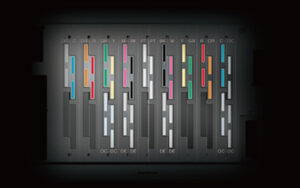
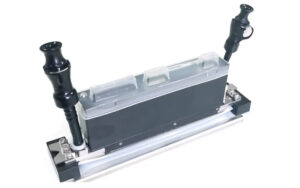
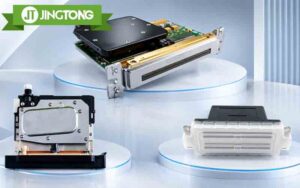
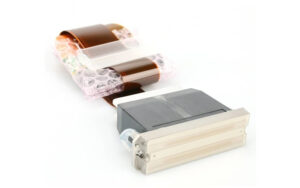
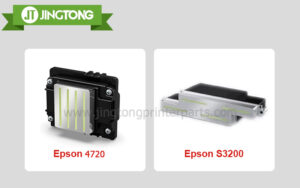
Knowing how to identify your printhead model is essential when buying a replacement for an inkjet printer. Printheads that look similar may have different specifications, electrical requirements, or ink compatibility. Choosing the wrong model can lead to installation problems, wasted costs, and potential equipment damage.
Follow these steps to find the correct printhead information before placing an order.
1. Check the Printhead Label
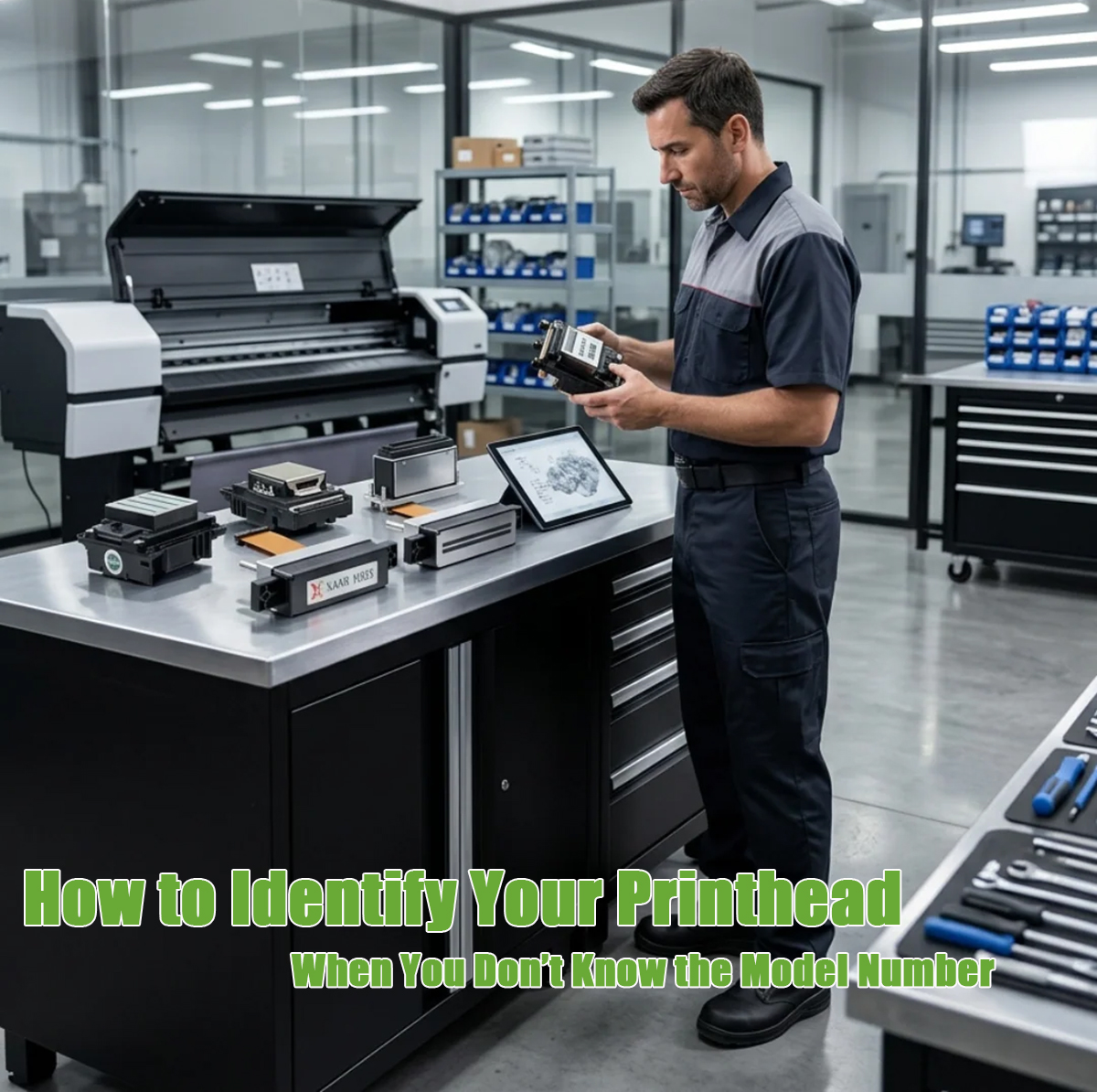
The first place to look is the label, printed code, or laser-etched marking on the printhead itself. Depending on the model, the identification may appear on the housing, flexible cable, or connector area.
Record the complete part number, including letters, numbers, and suffixes. Do not rely on a partial code or the appearance of the printhead alone.
If the label is faded or difficult to access, take clear photos of the head and its markings for further identification.
2. Find the Printer’s Exact Model Number
If the printhead code cannot be read, check the printer’s nameplate, service manual, or parts catalog. The printer’s exact model number can help narrow down the compatible printhead family.
However, the printer model alone may not always be enough. Different production versions or configurations of the same printer can use different components. Confirm the part number against reliable manufacturer documentation or the original supplier’s parts list.
3. Pay Attention to Model Suffixes
A small suffix can indicate an important difference between two printheads. Depending on the product family, it may relate to ink type, application, drop size, or hardware configuration.
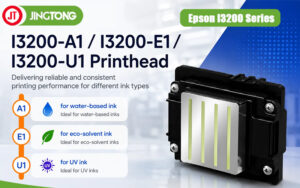
For example, Epson i3200 variants such as A1, U1, and E1 are intended for different ink-system applications. Ricoh MH-series printheads also have distinct model numbers, including MH2420, MH5320, and MH5420.
These examples illustrate why the complete model number matters. Never assume that two heads are interchangeable simply because they share a brand or look similar.
4. Identify the Printhead by Brand
Different manufacturers use different identification systems. Use the full part number and confirm it with the appropriate documentation.
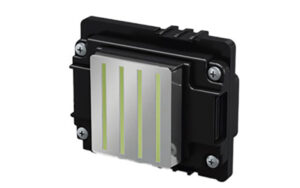
● Epson-based printheads: Check the markings on the head or flex cable and record the full code.
● Ricoh printheads: Look for the MH-series model number on the label.
● Konica Minolta printheads: Confirm the complete KM-series designation, including its suffix.
● Xaar printheads: Record the series number and any suffix that specifies the variant.
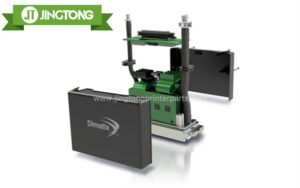
● Kyocera and Fujifilm Dimatix printheads: Use the exact model number listed in the printer’s technical documentation.
For printers sold under brands such as Roland, Mutoh, or Mimaki, verify the printhead against the specific printer model and parts documentation rather than relying on the printer brand alone.
5. Check Compatibility Before Ordering
Once you have identified the model, confirm the following details with the supplier:
● Exact printhead part number and suffix
● Compatible printer model
● Supported ink type or ink system
● Required control-board or configuration compatibility
● Whether the replacement is new, refurbished, or another specified condition
Not every printhead within the same product family is interchangeable. If any detail remains uncertain, request confirmation before purchasing.
6. What If You Cannot Identify the Printhead?
If the label is missing or the model number is unreadable, gather as much information as possible:
1.Record the printer brand and exact model.
2.Photograph the printhead from several angles.
3.Take close-up photos of labels, cables, and connectors.
4.Check the service manual or parts catalog.
5.Send the information to a qualified supplier or technician for verification.
This approach is safer than ordering a head based only on a photo or an approximate model name.
Conclusion
Correct printhead identification starts with the full part number, but it should also include a compatibility check against the printer and ink system. By verifying the label, model suffix, and technical documentation before ordering, you can reduce the risk of buying an incompatible replacement and make maintenance more efficient.