The Epson I3200 printhead lifespan depends on ink compatibility, maintenance routines, operating conditions, and printing workload. Rather than relying on a fixed service period, printer operators should monitor print quality and maintain the ink system to help keep the printhead working reliably.
1. How Long Does an Epson I3200 Printhead Last?
There is no guaranteed lifespan for every Epson I3200 printhead. A well-maintained unit may operate for years, while incorrect ink, poor maintenance, or demanding operating conditions can lead to earlier problems.
The actual service life depends on the specific variant, printer configuration, and usage pattern.
2. What Affects Printhead Lifespan?
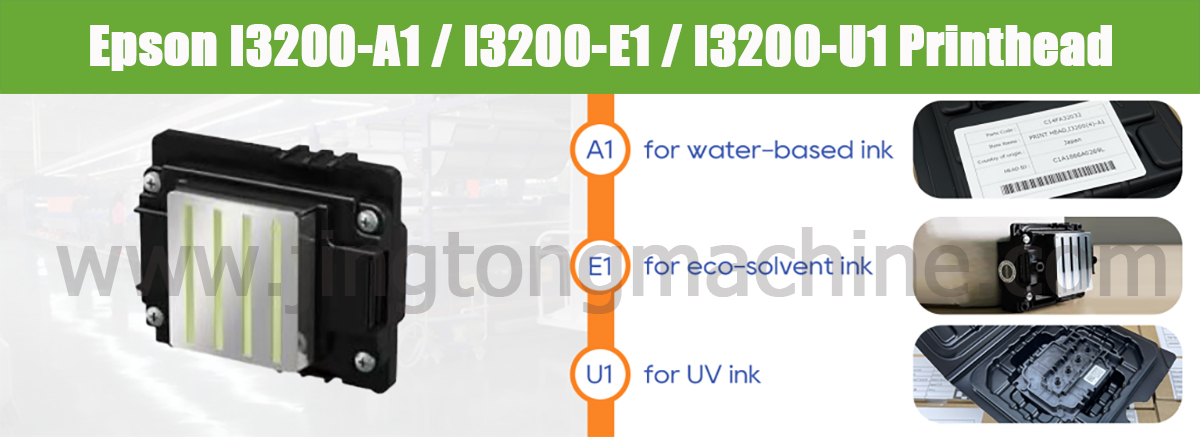
Ink compatibility: Use ink designed for the specific printhead variant. Incompatible ink may cause flow problems or damage.
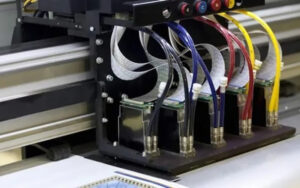
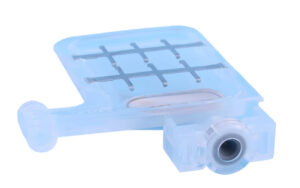
Maintenance: Follow the manufacturer’s cleaning and shutdown procedures. Check filters, dampers, and ink lines regularly.
Operating environment: Keep temperature and humidity within the printer manufacturer’s recommended range.
Printing workload: Heavy production and long idle periods create different maintenance challenges. Follow the appropriate procedures for both continuous use and periods of inactivity.
3. Signs Your Printhead May Be Failing
Watch for these common warning signs:
● Missing nozzles that persist after appropriate cleaning
● Banding that remains after calibration checks
● Uneven ink density or inconsistent output
● Increasing cleaning frequency with little improvement
These symptoms do not always indicate printhead failure. Check the ink supply, dampers, filters, and printer settings before deciding to replace the head.
4. How to Help Extend Service Life
To reduce avoidable printhead problems:
● Use the correct ink for your printhead variant.
● Follow the recommended cleaning schedule.
● Inspect ink filters and dampers when required.
● Avoid leaving the printer idle without proper maintenance.
● Monitor nozzle checks and print quality regularly.
Excessive or incorrect cleaning can create additional problems, so always follow the equipment manufacturer’s instructions.
Conclusion
Epson I3200 printhead lifespan varies with usage, ink compatibility, and maintenance. Regular inspection and timely troubleshooting can help maintain print quality and identify problems before they cause major production interruptions. When defects persist despite appropriate maintenance, professional diagnosis can help determine whether replacement is necessary.