Dried printhead recovery is a common concern when an inkjet printer has been left unused for an extended period. As ink dries or accumulates around nozzles and internal channels, the printer may produce missing lines, banding, faded colors, or blank areas. Recovery may be possible, but the appropriate method depends on the ink type, printhead design, and severity of the blockage.
1. Why Printheads Become Clogged After Storage
When a printer remains idle, ink near the nozzle plate may dry as liquid components evaporate. Pigment accumulation, air entering the ink supply, and contamination in the maintenance system can also interfere with ink delivery.
Different ink systems have different risks:
● Water-based ink: Water evaporation can leave dried pigment or dye residues.
● Eco-solvent ink: Solvent evaporation may leave pigment and resin deposits.
● DTF white ink: Titanium dioxide pigment can settle if the ink is not properly maintained.
● UV-curable ink: Ink exposed to UV light may cure and become difficult or impossible to remove.
These are general tendencies, not fixed recovery timelines. Actual results depend on the formulation, storage conditions, and printhead construction.
2. Check the Printer Before Cleaning
Before attempting recovery, inspect the printer and identify the likely cause.
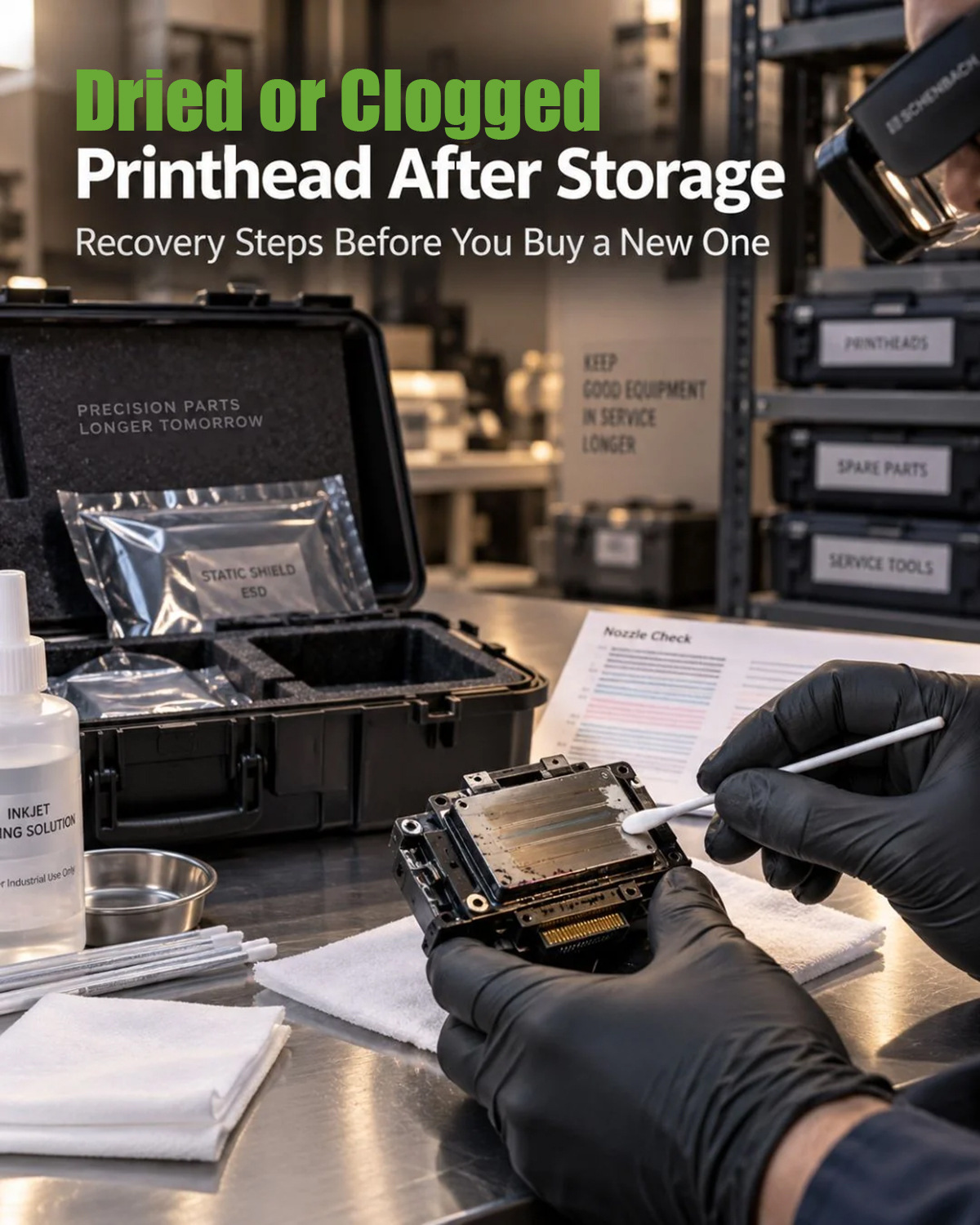
● Print a nozzle check or diagnostic pattern.
● Check ink levels and confirm that the ink supply is functioning.
● Inspect the capping station, wiper, dampers, and ink lines where accessible.
● Confirm the printhead model and the manufacturer’s recommended cleaning procedure.
A worn cap may fail to seal the nozzle plate properly, while a blocked damper or air in the ink line may interrupt ink delivery. These problems should be considered before assuming that the printhead itself is permanently clogged.
3. Follow a Gradual Recovery Process
Step 1: Try the Recommended Cleaning Cycle
Start with the printer manufacturer’s standard cleaning procedure, then print another nozzle check to evaluate the result. Avoid repeatedly running intensive cleaning cycles without checking progress, as they can consume substantial ink and place additional demands on the maintenance system.
Step 2: Inspect the Capping and Ink Supply Systems
If the nozzle pattern does not improve, check whether the capping station seals correctly and whether the ink supply components are working properly. Replace worn or blocked maintenance parts when necessary and compatible with the printer.
Step 3: Consider Compatible Cleaning Solutions
For persistent blockages, use only a cleaning solution approved for the specific ink and printhead system. Some printheads support a manufacturer-approved soaking or flushing procedure, while others require specialized service.
Do not force cleaning fluid through the printhead with high pressure. Excessive pressure or an incompatible solution can damage internal channels, seals, or nozzle coatings.
Step 4: Evaluate Whether Recovery Is Practical
Compare nozzle checks before and after cleaning. If the pattern shows improvement, follow the manufacturer’s procedure for further testing. If there is no improvement, droplets deflect, or electrical errors appear, stop and seek professional diagnosis.
Dried ink may sometimes be redissolved, but cured UV ink or severe internal blockage may not be recoverable.
4. How to Prevent Printhead Clogging During Storage
Preventive maintenance is generally safer and less costly than attempting to recover a severely blocked printhead.
● Follow the manufacturer’s shutdown and long-term storage instructions.
● Keep the printhead properly capped when the printer is idle.
● Maintain the ink supply according to the ink manufacturer’s recommendations.
● Use the specified storage fluid when required for the particular system.
● Inspect dampers, capping stations, and wipers before restarting production.
● For DTF white ink, follow the recommended agitation and circulation procedures.
Avoid leaving a printhead filled with cleaning solution or flushing its ink channels unless this is specifically approved for that model.
Conclusion
Dried printhead recovery starts with identifying the ink type, checking the maintenance system, and using the least aggressive compatible cleaning method. Early diagnosis can help restore some clogged nozzles, while careful storage procedures reduce the risk of future blockages. When cleaning does not improve the nozzle pattern, professional inspection or printhead replacement may be the safer option.