Industrial printer cap top compatibility is essential when replacing maintenance parts in large-format inkjet printers. Cap tops, capping stations and cleaning wipers help protect the printhead, manage residual ink and maintain reliable cleaning performance. Choosing the correct component requires checking the printer model, printhead type and maintenance assembly.
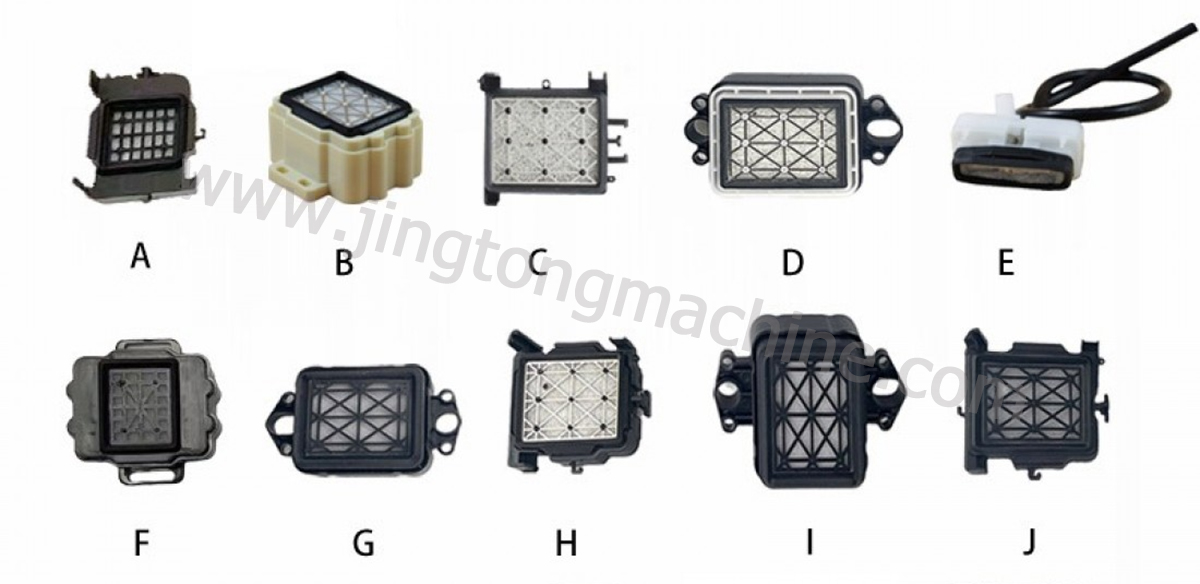
1. Cap Top, Capping Station and Wiper: Key Differences
● Cap top: Seals the printhead nozzle area when the printer is idle, helping reduce ink drying.
● Capping station: Combines sealing and maintenance functions and may include a cap top, waste-ink connections and other components.
● Cleaning wiper: Removes residual ink from the nozzle surface during the printer’s cleaning process.
These parts serve different purposes and should not be treated as interchangeable.
2. Common Printer Series and Compatibility
Cap tops and capping assemblies are used across many industrial inkjet platforms. Common examples include:
● Mimaki: JV33, JV5, JV150 and JV300 series.
● Roland: Selected Soljet VS and RE series.
● Mutoh: Selected ValueJet and W-series printers.
● Epson-based systems: Printers using compatible DX5 or DX7 printheads.
Compatibility varies by machine configuration, generation and part design. A shared printhead type does not guarantee that the same cap top or capping station will fit every printer.
3. Materials and Design Considerations
A suitable cap top typically uses a sealing surface and ink-absorbing material designed for the intended ink system. Capping stations may also contain internal fluid paths and connections for waste-ink removal.
When selecting replacement parts, consider:
● Seal shape and contact area.
● Overall dimensions and mounting position.
● Ink resistance of rubber and other materials.
● Connections to the waste-ink system.
● Compatibility with aqueous, solvent or UV ink, as specified for the component.
4. Common Signs of Cap Top or Wiper Problems
A worn or poorly seated cap top may allow the nozzle area to dry out, contributing to missing nozzles or frequent cleaning cycles. A damaged wiper can leave ink residue or fail to clean the nozzle surface effectively.
Before replacing parts, inspect the sealing surface, check for ink buildup and confirm that the assembly is aligned correctly. Similar symptoms may also result from ink supply issues or other printhead maintenance problems.
5. How to Select the Correct Replacement Part
Confirm the printer’s full model number and, where possible, the original part number. Compare the replacement component’s dimensions, mounting points, seal design and ink compatibility with the existing assembly.
For older or modified printers, checking the physical part and machine configuration is especially important.
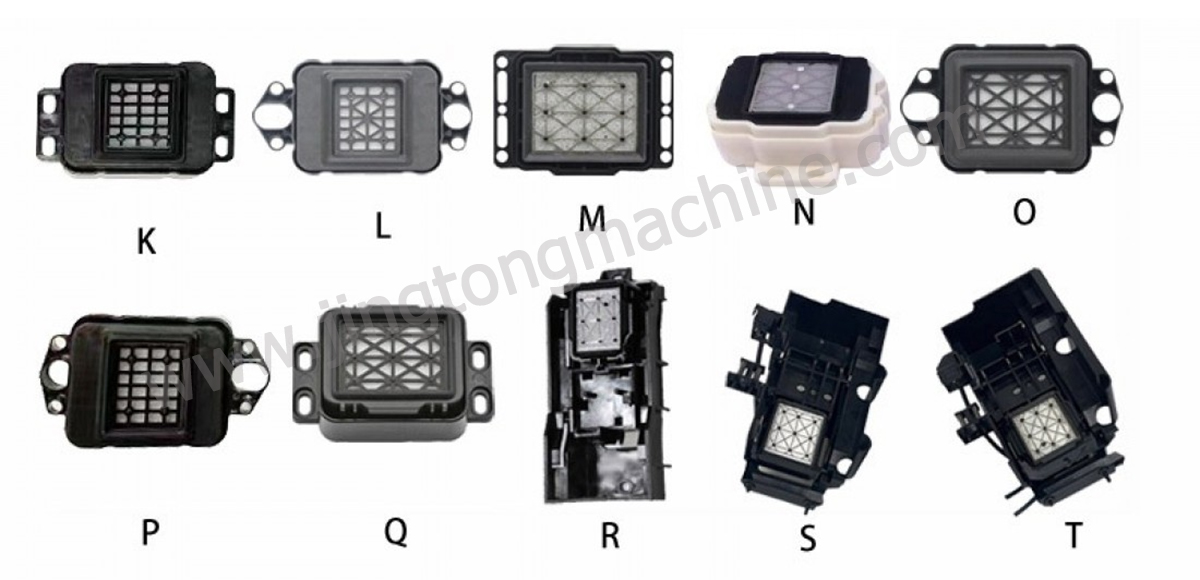
Conclusion
The right cap top, capping station or cleaning wiper helps support routine printhead maintenance. Verifying the exact printer and part compatibility before ordering can reduce installation problems and unnecessary downtime.