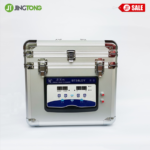
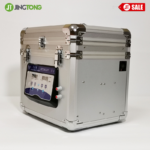



Note: Please clean the remaining ink in the print head and its surface first to prevent the filter from premature plugging.
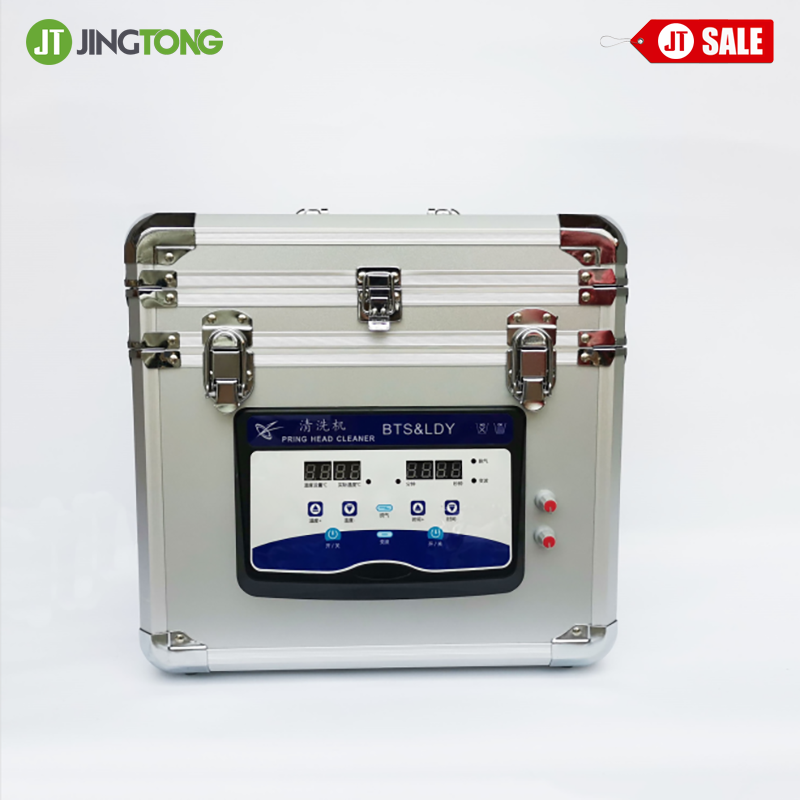
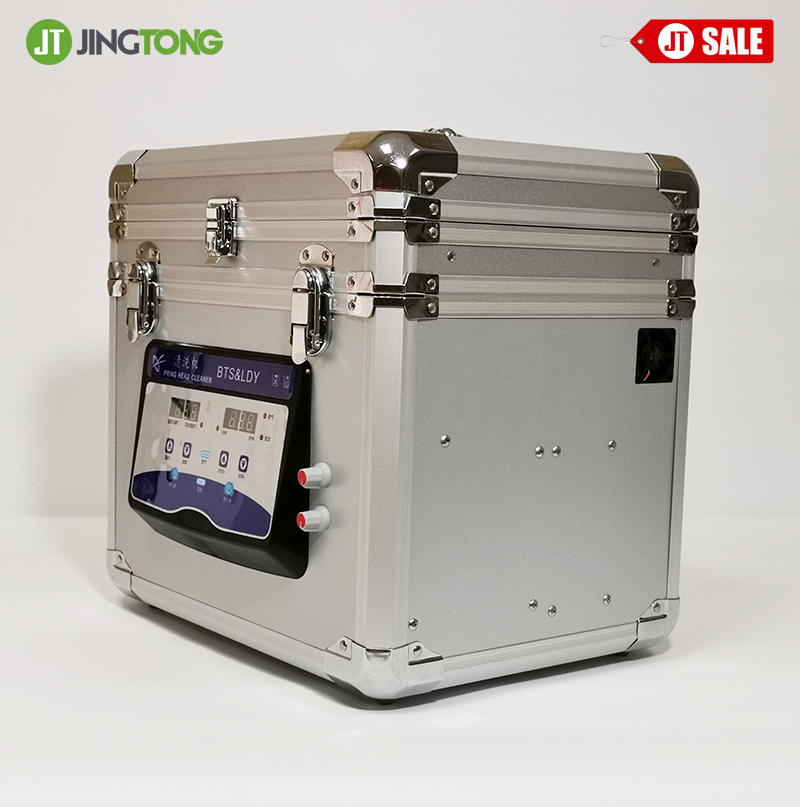
Step 1: Open the bottom lid of the machine and the lid of the cleaning fluid tank
Step 2: Pour cleaning fluid into the cleaning fluid tank. The minimum should be over the water outlet port of the tank
Step 3: Cover the cleaning fluid tank lid and then the bottom lid of the machine
Step 4: Open the top lid and put on the nozzle holder
Step 5: To connect the inlet of the print head to the flushing pipe
Step 6: Open the switch according to your own needs
Step 7: Plug the pipeline according to their own needs
Step 8: Pour cleaning fluid into the cleaning tank, close to the water outlet port
Step 9: Turn the flow control knob to the minimum position. Then open the flush button
Step 10: According to the situation of cleaning the nozzle slowly rotate the flow control knob, so as not to rush the nozzle. Anti-pumping operation needs to put the nozzle into the liquid surface 2mm.
Step 11: The head nozzle should be immersed in the liquid surface 2mm. Open the ultrasonic cleaning after about 1-5 seconds, rest 10 minutes, and then open 1-5 seconds. Do not cycle more than 3 times.
Step 12: Repeated cleaning for several times.and Cleaning the printhead again after changing the cleaning fluid. Until the cleaning fluid that jets from the nozzle is neat and clean. Then re-install it on the printer after cleaning up the printhead