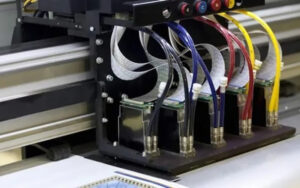
CMYK inks create colors by combining different ink percentages through RIP software and color management. White ink serves a different purpose: it provides an opaque layer that can support color printing on substrates where the material’s own color would otherwise affect the image.
Depending on the printer configuration, white ink may be printed beneath the color layer, on top of it, or between multiple color layers. The appropriate sequence depends on the substrate and desired result.
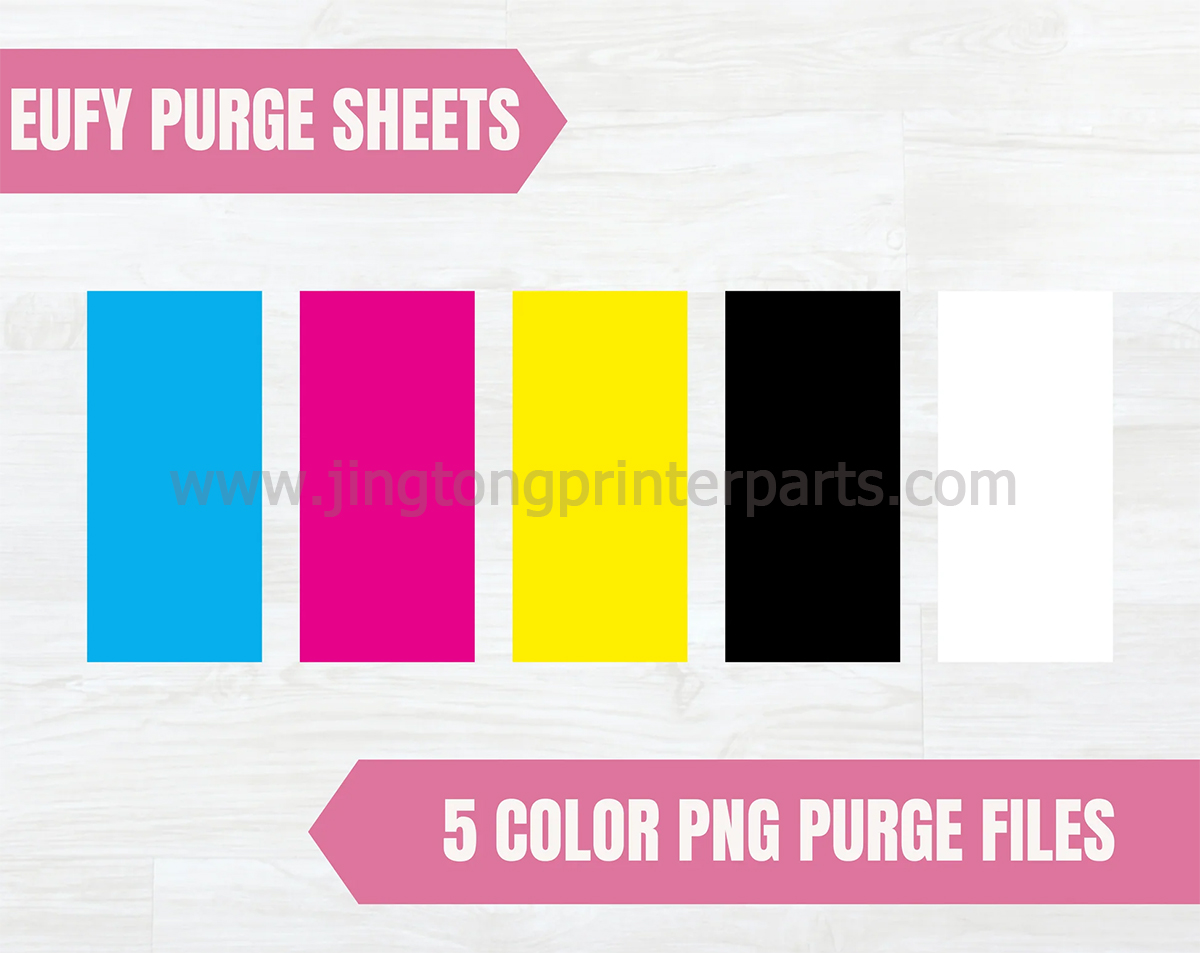
Common Effects of Five-Color Printing
Color printing on dark materials: White ink can provide a brighter base for colors printed on black, colored, or opaque surfaces.
Printing on transparent materials: A white underlayer can improve the visibility of graphics on acrylic, glass, and other compatible transparent substrates.
Layered and embossed-style effects: Multiple layers of UV ink can create a raised surface that adds texture and a tactile dimension to selected designs. The result depends on ink deposition, curing, and layer settings.
Applications of UV Five-Color Printing
Five-color UV printing is commonly used for customized phone cases, acrylic signs, promotional products, packaging samples, decorative panels, and personalized gifts. Its ability to print directly on compatible rigid materials makes it useful for short-run customization and product decoration.
Before production, confirm substrate compatibility, surface preparation, adhesion, and curing requirements.
Can a UV Printer Be Upgraded to More Colors?
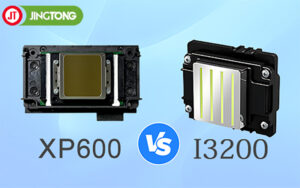
Some UV printers support additional channels, such as light cyan, light magenta, or dedicated spot colors. However, adding colors may require compatible printheads, ink supply components, control systems, RIP software, and suitable color profiles.
More ink channels do not automatically guarantee better output. The upgrade should match the intended application and the printer’s supported configuration.
Conclusion
UV printer 5-color printing combines CMYK color reproduction with white ink to expand the range of printable materials and visual effects. Understanding ink-layer order, substrate characteristics, and software settings helps users achieve more consistent results across customized printing applications.