Printhead voltage is an important operating parameter in piezoelectric inkjet printing. It influences how the piezoelectric actuator deforms, how ink droplets are ejected, and how accurately they land on the printing material. Understanding this relationship helps operators troubleshoot print quality issues without making unnecessary adjustments.
1.How Does Printhead Voltage Work?
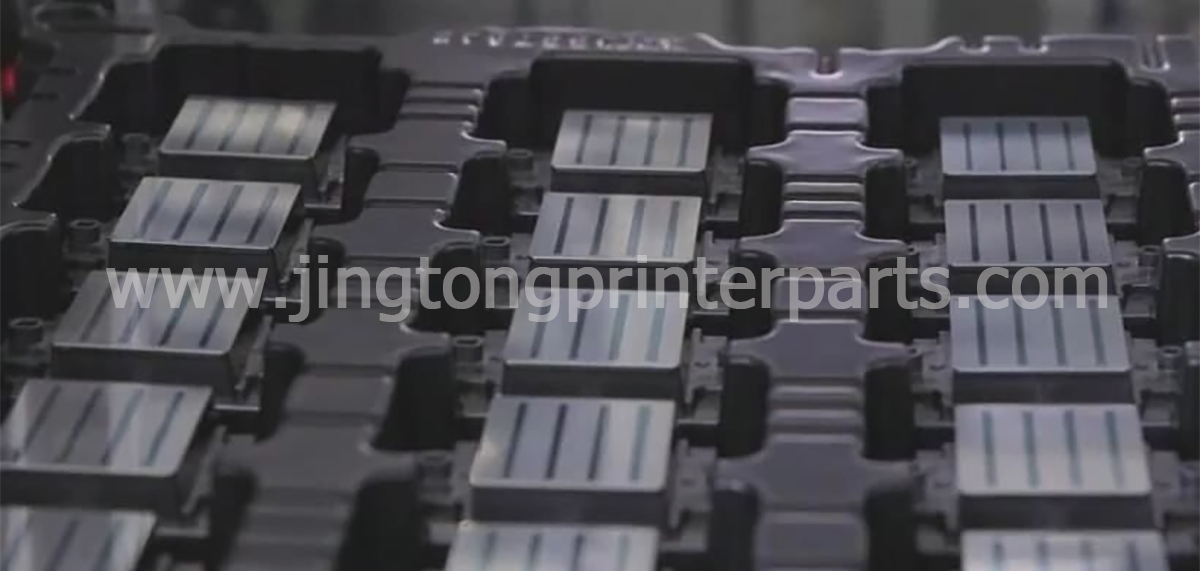
Piezoelectric printheads use electrical signals to control the deformation of piezoelectric elements inside the printhead. This deformation creates pressure changes in the ink chamber, pushing ink through the nozzle to form droplets.
The driving voltage and waveform affect droplet volume, velocity, and stability. However, increasing voltage does not automatically improve print quality. Excessive or unsuitable settings may cause unstable droplets, ink misting, or additional stress on the printhead.
2.Relationship Between Voltage and Ink Viscosity
Ink viscosity affects how easily ink flows through the printhead and how droplets form. Voltage, waveform, temperature, and ink properties must work together within the printhead manufacturer’s recommended operating range.
If the ink viscosity is too high for the system, droplets may form inconsistently or fail to eject properly. If the ink is too thin or the driving conditions are unsuitable, excessive spreading, satellite droplets, or unstable ejection may occur.
There is no universal voltage-to-viscosity ratio. Requirements vary by printhead model, ink formulation, and operating conditions. Always confirm compatibility with the manufacturer’s technical documentation.
3.How Voltage Affects Printing Results
Incorrect voltage settings may contribute to several print quality problems:
● Missing or unstable ink droplets: The driving conditions may not suit the ink or printhead.
● Blurred edges and inaccurate placement: Droplet velocity and trajectory may be inconsistent.
● Uneven color density: Changes in droplet volume can affect ink coverage.
● Reduced printhead reliability: Operating outside the recommended electrical limits may increase component stress.
These symptoms can also result from clogged nozzles, air in ink lines, faulty dampers, or incorrect negative pressure. Voltage should not be treated as the only possible cause.
4.Should You Adjust Printhead Voltage?
Avoid changing voltage settings simply to make images darker or lighter. First, run a nozzle test and check ink supply, nozzle condition, temperature, and other relevant operating parameters.
If the printer manual permits voltage adjustment, make only small, controlled changes within the approved range. Compare nozzle tests and sample prints after each adjustment, and record the original settings so they can be restored if necessary.
Never copy voltage values from another printer or printhead model without confirming compatibility.
Conclusion
Printhead voltage affects droplet formation, placement accuracy, and overall print quality, but it must be considered alongside waveform settings, ink viscosity, and the ink delivery system. Following model-specific specifications and troubleshooting systematically is safer and more reliable than increasing or decreasing voltage without diagnosis.